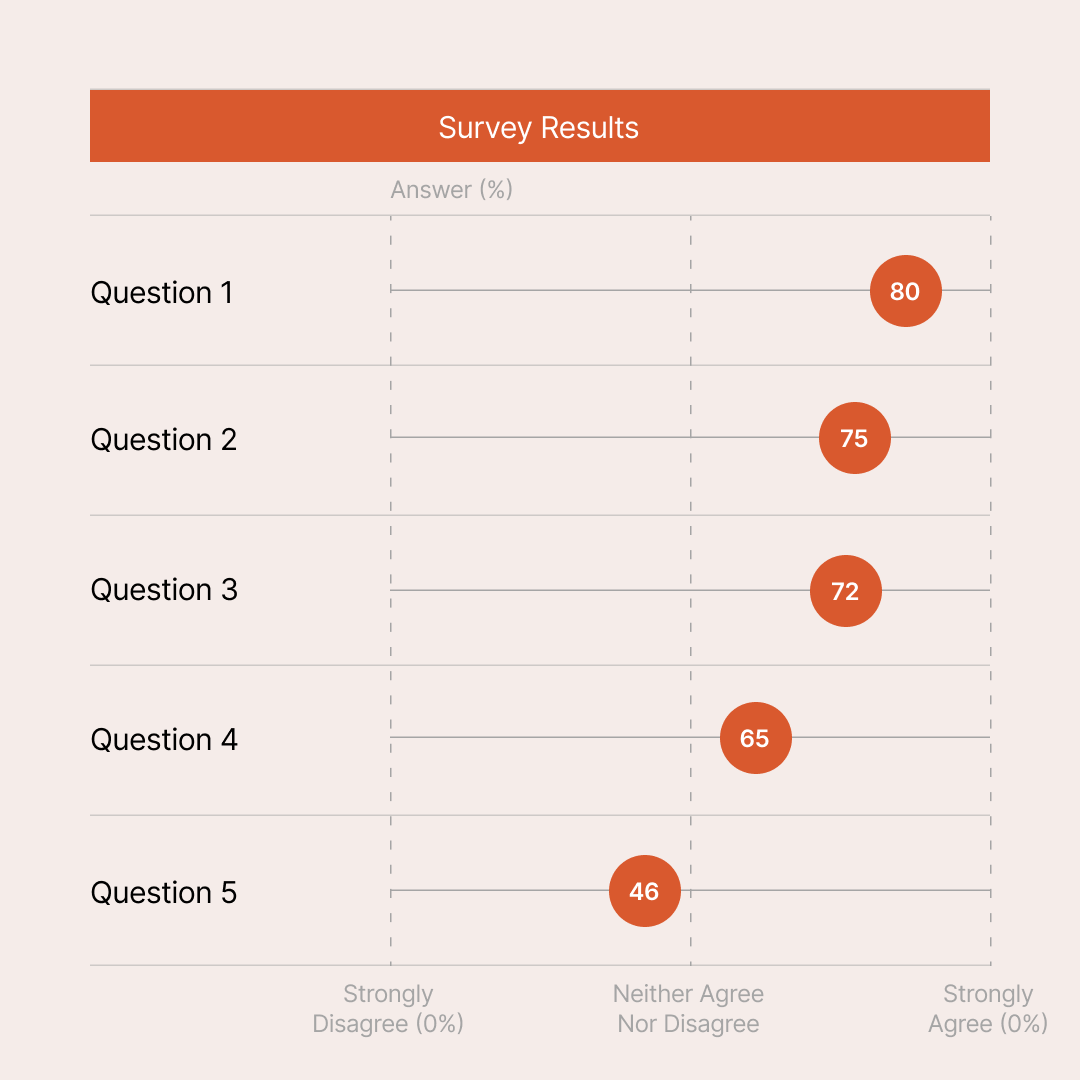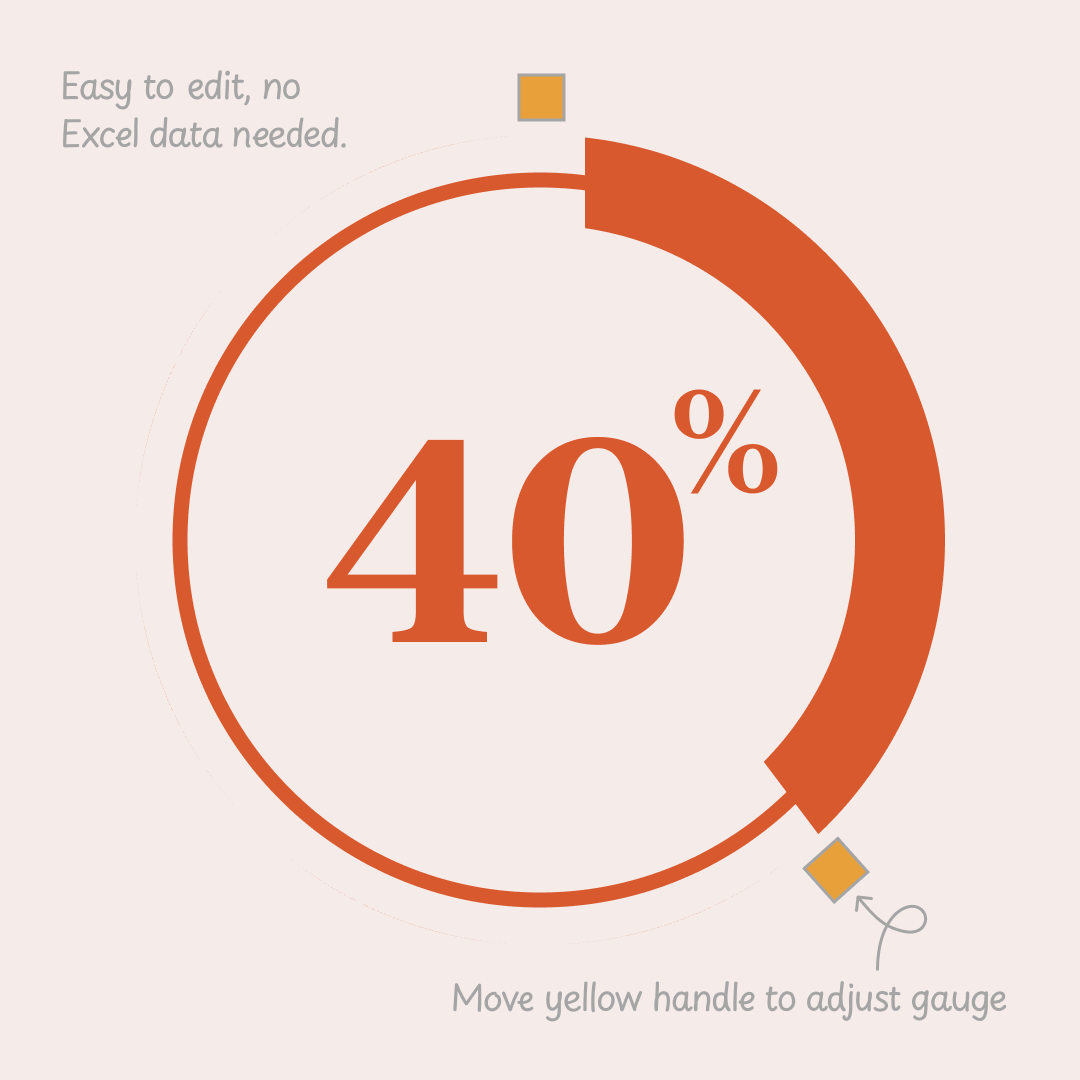
Editable Circular Gauge for PowerPoint is a versatile, no-data-required diagram ideal for creating stunning PowerPoint dashboards and presentations. Perfect for visualizing KPIs, progress metrics, sales targets, performance scores, survey results, gauges, speedometers, or percentage indicators with ease.
Unlike Excel-linked charts, this fully vector-based circular gauge needs no data import—simply select the pie shape and drag its yellow handle to instantly adjust the needle to any value from 0-100%. Resize the entire gauge uniformly by dragging the handle further.
Key Features:
Free Download for Slideck.co members. Download now to enhance your business reports, annual reviews, project updates, or educational slides with professional circular gauge graphics.